Free Banners for LinkedIn Profile
LinkedIn Profile Banners - Download for Free
A LinkedIn banner is more than just a background image. It gives your profile a visual identity and helps visitors understand the kind of person, brand, or business they are viewing. Many people spend time improving their LinkedIn profile photo, headline, and about section, but they leave the banner area empty or use a random image that does not match their work. That top LinkedIn banner space is valuable because it appears above everything else on your profile.
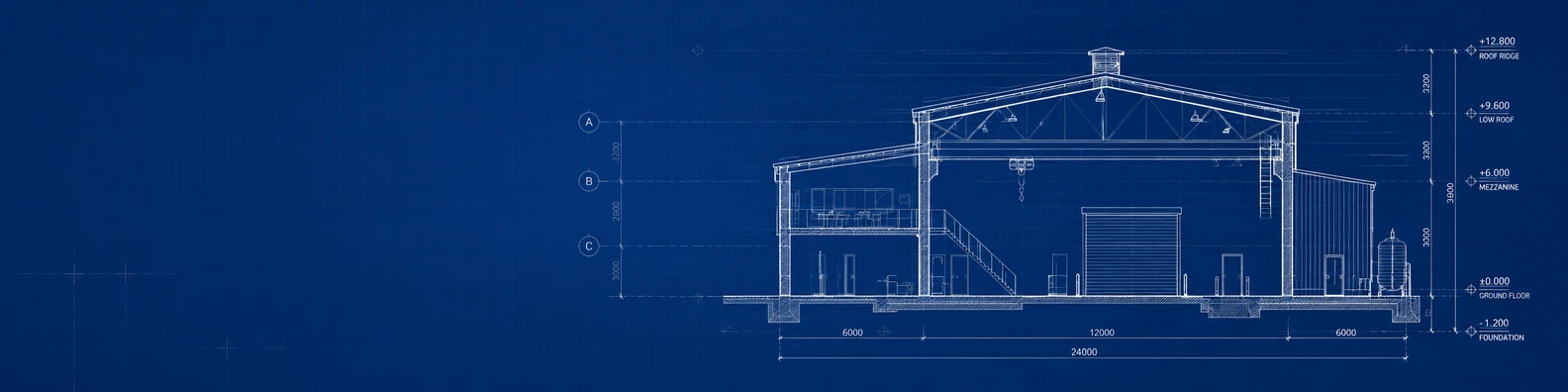
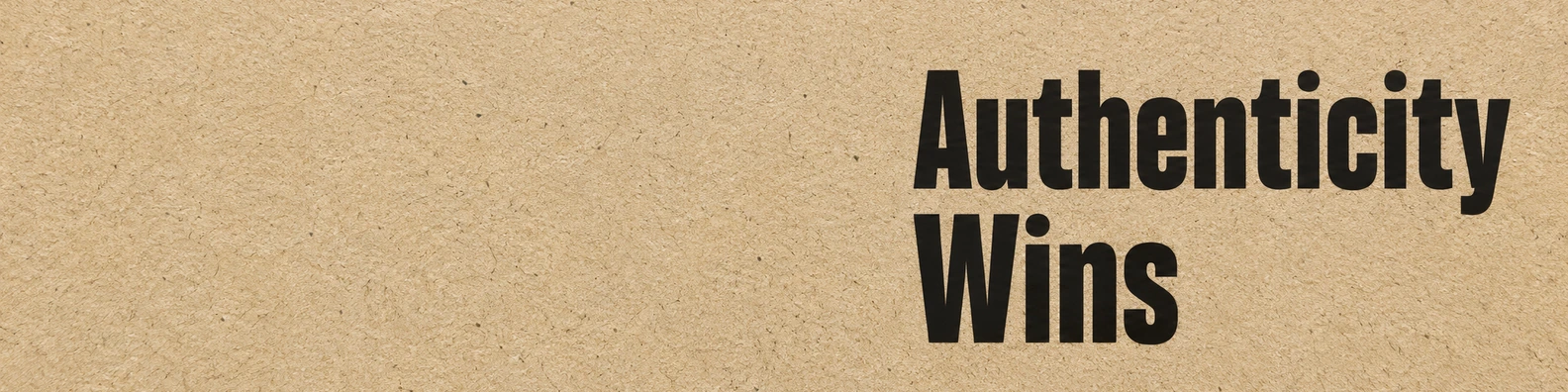
Our free LinkedIn banners are made for people who want a clean and professional profile without spending hours designing a banner image. You can find simple abstract banners, strong business banners, creative designs, calm nature backgrounds, motivational quote banners, modern technology layouts, and city-inspired urban designs. These banners for LinkedIn work for different types of professionals, from job seekers and freelancers to founders, consultants, marketers, developers, real estate professionals, coaches, and company teams.
The goal is simple: help your LinkedIn profile look better, faster. Choose a banner that matches your work, download it for free, and add it to your profile. A small visual change can make your profile feel more complete, more professional, and easier to remember.
FAQs about Linkedin Profile Banners
Are these LinkedIn banners free to download?
Yes, the banners for LinkedIn on this website are free to download. You can choose from abstract, business, creative, nature, quotes, technology, and urban designs, then upload the banner to your LinkedIn profile or company page.
Can I use these banners on my personal LinkedIn profile?
Yes, you can use these banners on your personal LinkedIn profile. They are suitable for job seekers, freelancers, consultants, business owners, creators, students, coaches, and working professionals.
Can I use these banners on a LinkedIn company page?
Yes, many of these banners can also be used on LinkedIn company pages. Business, technology, urban, creative, and abstract designs can work well for brand pages, service businesses, and team profiles.
What size are these LinkedIn banners?
The banners are designed in a wide LinkedIn-friendly format, so they can fit the profile banner area properly. You can download the image and upload it directly to LinkedIn.
Which LinkedIn banner style should I choose?
Choose a banner that matches your work and the message you want to show. Business banners are good for professional services, technology banners work well for developers and IT professionals, creative banners fit designers and creators, and nature banners are good for a calm and friendly profile look.
Do I need design software to use these banners for LinkedIn?
No, you do not need design software. Just download the banner you like and upload it to LinkedIn from your profile editing area.
Can I edit the banner after downloading it?
Yes, you can edit the banner if you want to add your name, logo, website, or short message. You can also use it as-is if you prefer a clean background.
Why should I use a LinkedIn Profile banner?
A LinkedIn banner makes your profile look more complete and professional. It helps create a better first impression and gives your profile a visual style that matches your personal brand or business.