A LinkedIn banner can say a lot before someone reads the rest of your profile. The right image can make your page feel more complete, professional, and easier to understand.
The Simple Answer
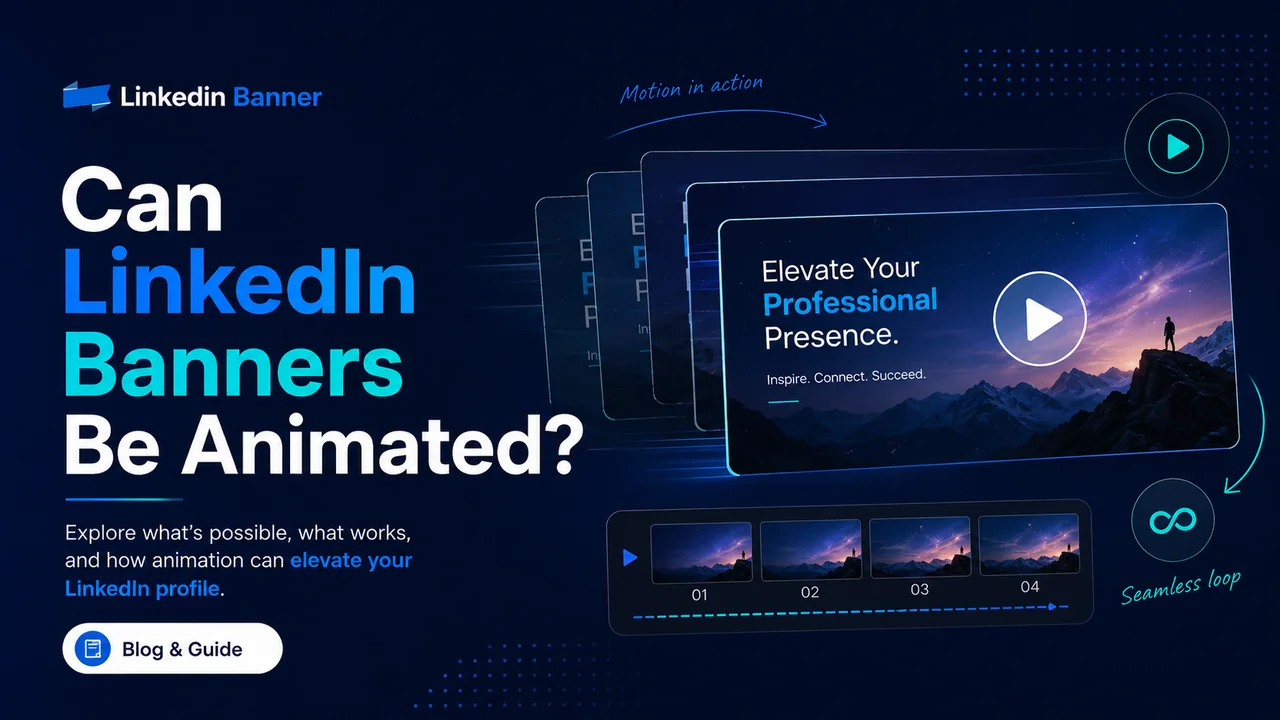
LinkedIn banners are mainly designed for static image uploads. In most cases, your profile background image should be treated as a still image, not a moving banner, video header, or animated profile banner. If you are thinking about using an animated GIF as your profile or background photo, LinkedIn help notes that GIFs are not supported on profile or background photos.
That does not mean your banner has to feel boring. You can still make a static banner feel active by using strong composition, motion-inspired shapes, layered cards, arrows, gradients, blurred movement, timeline-style layouts, or design elements that suggest progress and action.
Why Static Banners Usually Work Better
A LinkedIn banner sits behind your name, profile photo, and headline. Its job is to support your profile, not distract from it. An animated banner could easily pull attention away from the information people came to see. A clean static design is easier to read, loads faster, and feels more stable on a professional profile.
Static banners also work better across devices. Your profile may be viewed on desktop, mobile, tablets, and different screen sizes. A simple image gives you more control over the first impression because you know what visitors will see.
What to Use Instead of Animation
If you want your banner to feel energetic, choose a design that shows movement without actually moving. A technology banner can use light trails, waves, grids, or interface elements. A business banner can use diagonal lines, growth shapes, or city lights. A creative banner can use brush strokes, layered paper, color flow, or modern collage elements.
You can also use LinkedIn posts, videos, documents, carousels, or your featured section to show animated or interactive work. Those areas are better for motion-based content because users expect to click, watch, swipe, or open something there.
How to Make a Static Banner Feel More Dynamic
Use a clear focal point. Add depth with shadows or layered shapes. Create direction with lines, arrows, or wave patterns. Use contrast between light and dark areas. Keep the main message short and easy to read. These simple choices can make a still banner feel modern and lively without needing animation.
The most important rule is balance. A banner can look active without looking noisy. If every part of the image is trying to grab attention, the design becomes tiring. Keep enough empty space so your profile photo, name, and headline still stand out.
Final Thoughts
For most profiles, a static LinkedIn banner is the safest and most professional choice. Instead of trying to force animation into the banner area, use a well-designed image that gives the feeling of movement, progress, creativity, or confidence.
If you need to show actual motion, use a LinkedIn post, video, featured media item, or portfolio link. Let the banner do what it does best: make the top of your profile look polished, clear, and memorable.
FAQs About Animated LinkedIn Banners
Can LinkedIn banners be animated?
LinkedIn profile banner areas are generally meant for static images. Animated GIFs are not supported on profile or background photos according to LinkedIn help, so it is better to use a static banner image.
Can I upload a GIF as my LinkedIn banner?
A GIF is not a good choice for a LinkedIn profile background banner. Even when GIFs are accepted in some LinkedIn areas, they may not animate in profile or background photo placements.
What should I use instead of an animated LinkedIn banner?
Use a static banner that looks dynamic. Motion lines, gradients, layered cards, arrows, waves, light trails, and bold layouts can make a banner feel more active without actual animation.
Can I use video on LinkedIn?
You can use video in LinkedIn posts and other supported media areas, but the profile banner area should be treated as a static image placement.
Is a static LinkedIn banner better for a professional profile?
Yes, in most cases. A static banner is easier to read, more predictable across devices, and less distracting for visitors who are trying to understand your profile quickly.
Explore More LinkedIn Banner Ideas
Browse free banner designs and choose a style that fits your profile, company page, or personal brand.